
Right at hand.
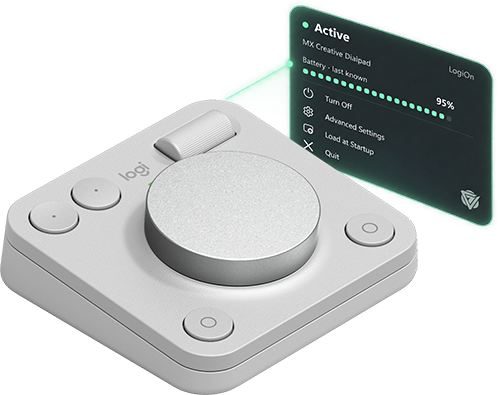
Use the Windows tray or Mac menu bar to turn LogiOn on or off, check the connection, and see available battery readings. Change the ping interval to suit your work style.

A Windows companion for your MX Creative Dialpad, with a Mac release in preparation.
14-day trial · Windows 10 / 11 · Mac release in preparation
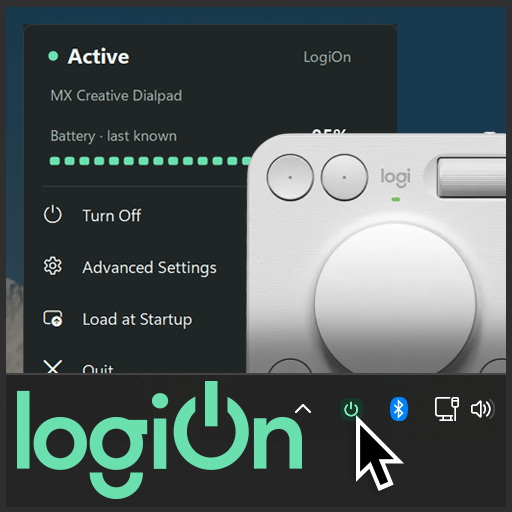
Keep your dialpad dialed in while you create. LogiOn keeps its status and controls close at hand.
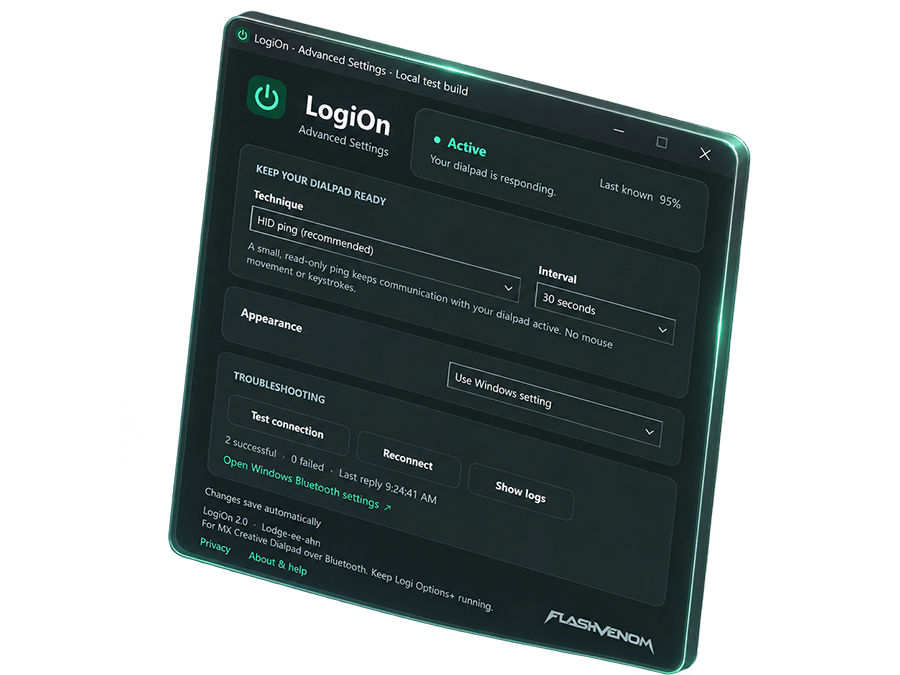
Use the Windows tray or Mac menu bar to turn LogiOn on or off, check the connection, and see available battery readings. Change the ping interval to suit your work style.
Adjust the timing in Advanced Settings, choose light or dark mode, and decide whether LogiOn starts when you sign in.
Because seconds matter. Keep the dialpad ready when you are and focus on your work, not the power status of your device.
An Active status confirms that your dialpad has replied. Wake behavior and battery-life impact depend on your device and computer. Use the trial to compare LogiOn on and off.
Pair the MX Creative Dialpad directly over Bluetooth and keep Logi Options+ running for its normal dial functions. Battery readings appear when your system makes them available. Logi Bolt, the wired keypad, and other Logitech devices are not supported.
LogiOn does not simulate keystrokes or mouse movement, change your dialpad mappings, or prevent your computer from sleeping.
Start with a full 14-day trial. A one-time purchase covers two installations.
Your trial starts automatically when you first open LogiOn with an internet connection.
If it does not start, connect to the internet and choose Advanced Settings → Troubleshooting → Start 14-day trial.
$4.99 USD · one-time
Buy your license through secure Stripe checkout and activate it in LogiOn. No subscription.
Already purchased? Find your order and license key
No. Keep Logi Options+ running for your normal dial functions. LogiOn manages periodic device communication; it does not configure shortcuts or change dialpad mappings.
Wake behavior depends on the device, firmware, and computer. Active means the dialpad has replied to a request. Use the 14-day trial to compare how your own dialpad behaves with LogiOn on and off.
Periodic communication can affect power use. The impact has not been quantified. Choose the technique and interval that suit your setup, and turn LogiOn off when you do not need it.
The full 14-day trial starts automatically on your first normal launch with an internet connection. If that attempt cannot complete, connect to the internet and choose Advanced Settings → Troubleshooting → Start 14-day trial. Reinstalling does not extend the original deadline.
A native Mac version is in preparation for macOS 13 and newer on Apple silicon and Intel Macs. Its download will be enabled after the release package is signed, notarized, and verified.
An internet connection is needed to start the trial, activate or deactivate a license, and refresh license access. After successful online validation, a paid license can work offline for up to 30 days, until its signed access expires.
Dialpad communication runs locally. LogiOn has no advertising or analytics and does not upload dialpad activity, preferences, battery readings, or diagnostic logs. It contacts FlashVenom for licensing, using activation details such as a generated installation ID, app version, and license key when applicable.