Cisster
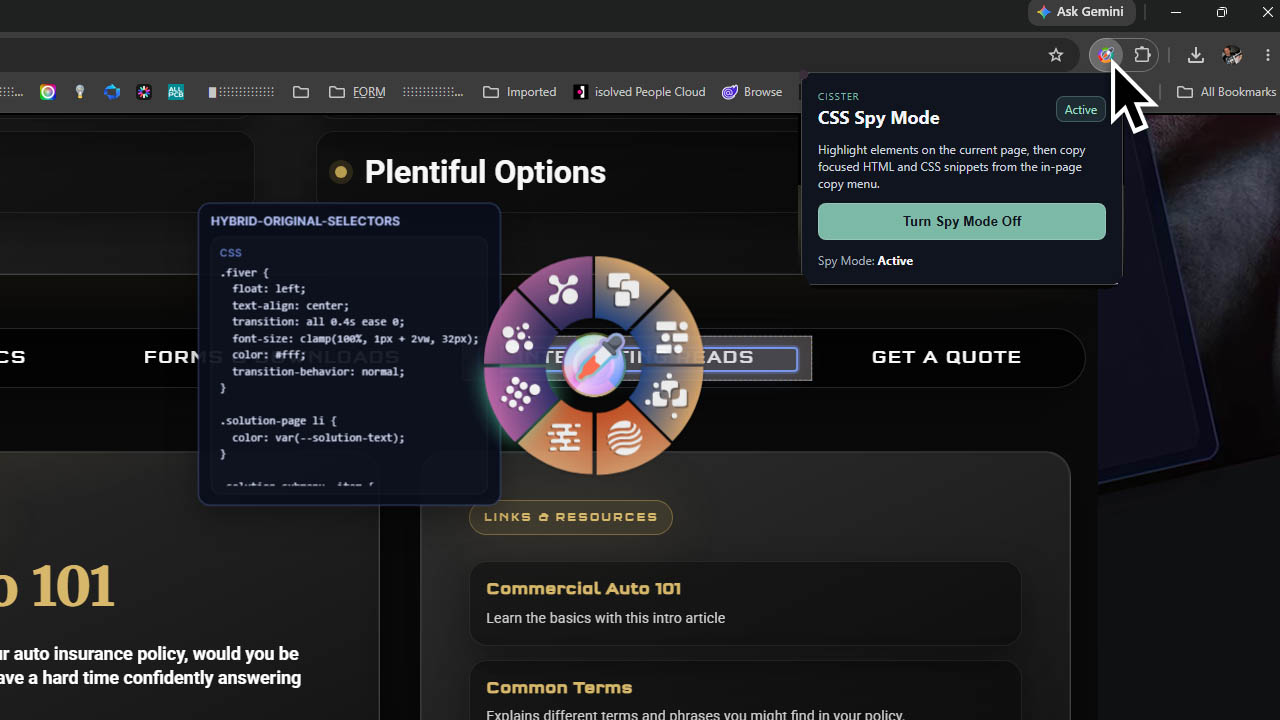
Inspect page elements and copy focused HTML/CSS snippets directly from the current tab.
Chrome and Edge
Overview
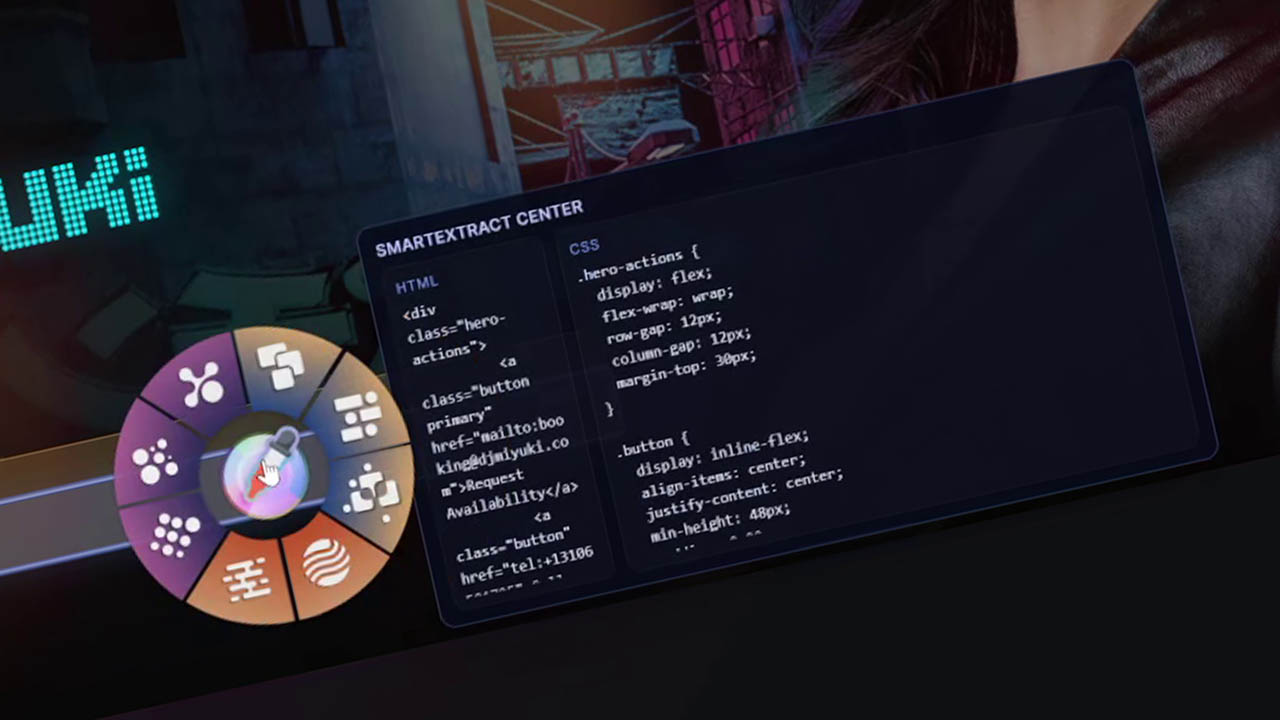
Cisster is a lightweight CSS Spy Mode extension for developers and designers who need to inspect, extract, and reuse page styling quickly. Turn on Spy Mode from the extension popup or with Ctrl+Shift+S, hover over any element on the current page, and Cisster highlights its box model while showing useful element details. Click to open the in-page copy menu and choose the extraction style you need, including HTML, CSS, combined HTML/CSS, scoped component output, tokenized variables, and selector-based snippets. Page inspection runs locally on the active tab when you turn Spy Mode on. Activation and periodic license checks contact flashvenom.com with your license key, an installation identifier, and the extension version. License and demo state are stored locally; inspected page content is not sent to the licensing service.
Highlights
- Highlight elements directly on the page
- Inspect margin, padding, and content areas
- Copy HTML, CSS, or combined snippets
- Extract cleaner component-oriented CSS
- Capture useful pseudo-element styling
- Navigate inspected elements with keyboard arrows
- Toggle Spy Mode from the popup or Ctrl+Shift+S
- No account required; license checks send only activation details
Product Images
Included Downloads
- Chrome ZIP
- Edge ZIP